Built for Stripe Terminal merchants

The simplest POS for Stripe Terminal

Turn your iPhone or iPad into a complete point of sale. Connect any Stripe reader, manage your catalog, and accept payments in seconds — all from one app.

⬇ Download for Android 🍎 iOS — Coming soon
Kassa
☕
Latte
$6.00
🍫
Brownie
$4.50
🧃
Juice
$5.00
🎁
Gift Set
$38.00
Charge $10.50
Features

Everything a cashier needs, nothing they don't

Designed for pop-ups, markets, and omnichannel brands that already run on Stripe.

🛍️

Product catalog

Build your menu or product list in the app. Every item syncs as a Stripe Product and Price — your source of truth stays in Stripe.

🛒

Smart cart

Tap to add, adjust quantities with + and − buttons, remove individual items, or clear the whole cart in one tap.

🔌

Stripe Connect

Connect your existing Stripe account in under a minute. Switch between accounts on the same device for multi-venue setups.

📋

Transaction history

See every payment from the past 7 days. Issue full or partial refunds and send email receipts without leaving the app.

📶

Offline mode

Queue payments when connectivity drops. They upload automatically the moment your connection returns — no lost sales.

📱

Tap to Pay on iPhone

Accept contactless payments directly on your iPhone with no extra hardware. Works with cards, Apple Pay, and Google Pay.

Works with every Stripe Terminal reader

Connect via Bluetooth, Wi-Fi, or no hardware at all — Kassa supports the full Stripe Terminal lineup.

BBPOS WisePad 3
BBPOS WisePad 3
Handheld · PIN pad
Bluetooth
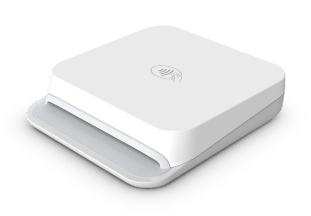
Stripe Reader M2
Stripe Reader M2
Compact · pocketable
Bluetooth
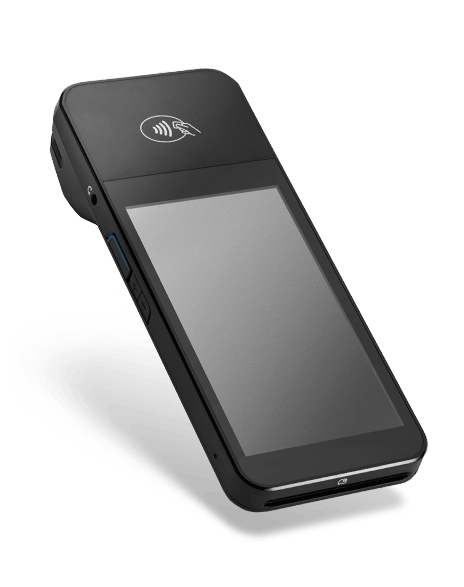
BBPOS WisePOS E
BBPOS WisePOS E
Countertop · customer screen
Wi-Fi / Ethernet
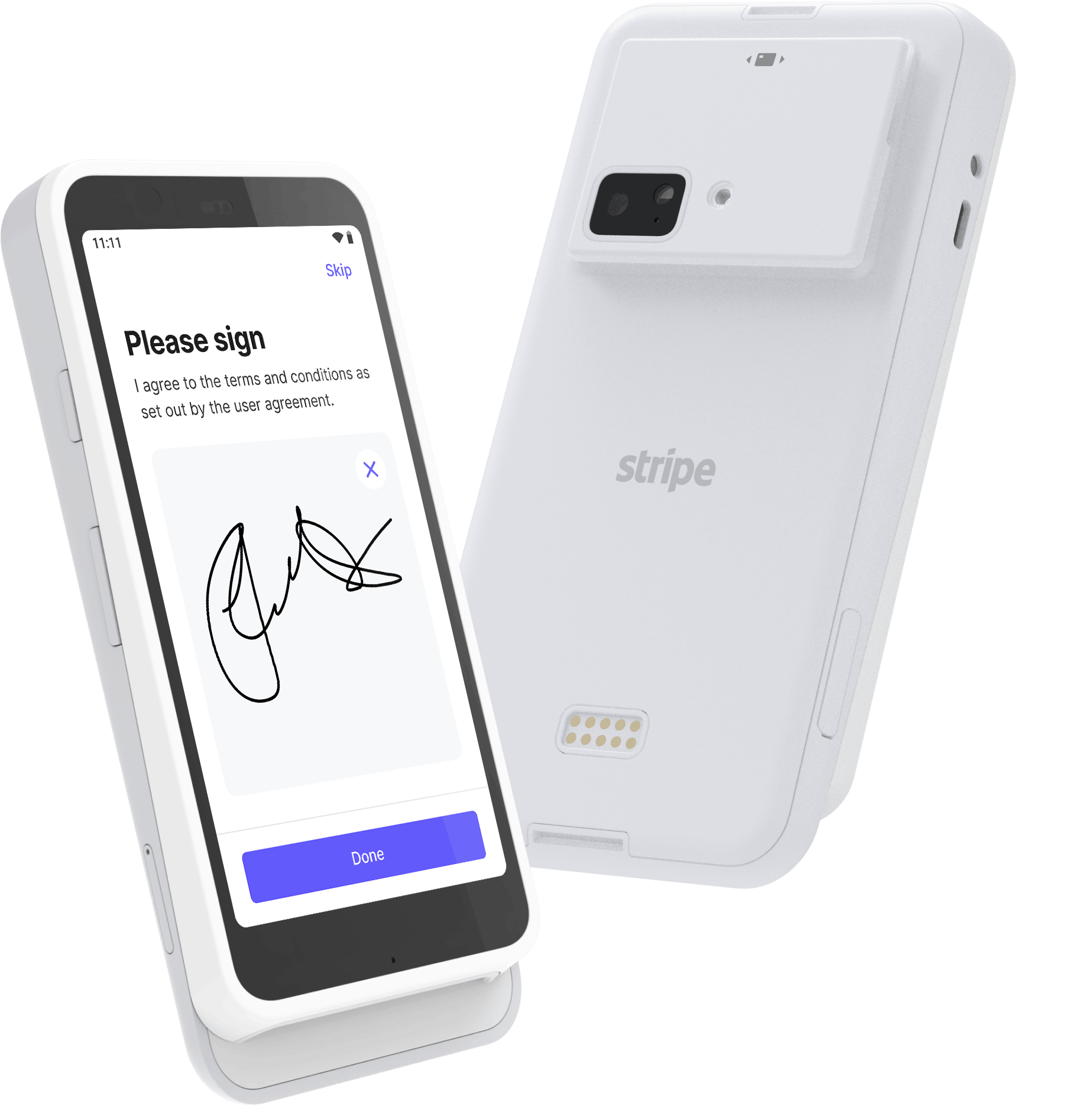
Stripe Reader S700
Stripe Reader S700 / S710
Smart POS · large screen
Wi-Fi / Ethernet
📱
Tap to Pay
iPhone · Android · no hardware
No reader needed
Setup

Up and running in three steps

No hardware dealer. No lengthy onboarding. Just Stripe.

1

Connect your Stripe account

Visit kassa.reddio.com/onboard on your computer, click Connect with Stripe, and enter the 6-character code in the app.

2

Register your reader

Tap Register a Reader in the app and enter the pairing code shown on your Stripe Terminal device. The reader appears and is ready in seconds.

3

Add products and start selling

Open the catalog, add your products with emoji icons and prices, and tap Charge. Payments go directly to your Stripe balance.

Need a reader? Order directly from your dashboard.

Browse the full Stripe Terminal catalog and place hardware orders without leaving Kassa.

Open dashboard

Download Kassa POS

Free to install. Bring your own Stripe account.

🤖
Android
APK — sideload install
Download APK
🍎
iOS
TestFlight — coming soon
Coming soon

Android: enable Settings → Security → Install unknown apps before tapping the downloaded file.